
Replaces Calendly Pro + admin time
AI Booking Agent.
Customers book themselves — 24/7
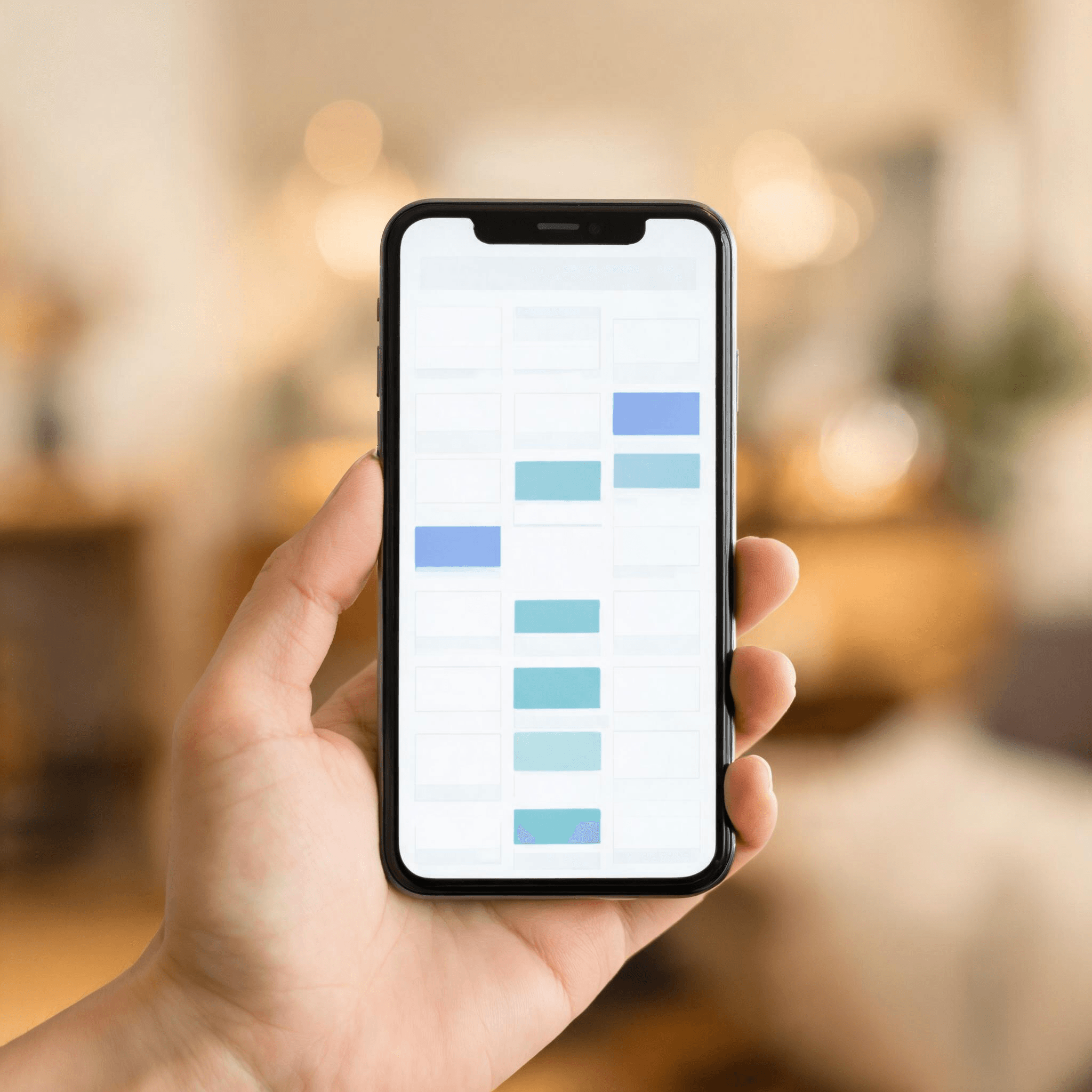
AI Booking Agent connects to your calendar and lets customers self-book appointments any time of day. Handles reschedules, cancellations, and SMS + email reminders automatically. No more phone tag.
What this does for your business
Customers book in 30 seconds
Pick a service, pick a time, leave their info, done. No back-and-forth phone calls, no voicemail tag. The booking happens while they're still motivated.
No more no-shows
Automatic SMS + email reminders 24 hours and 1 hour before the appointment. Cuts no-show rate in half for most service businesses.
Reschedules without your involvement
Customer needs to reschedule? They click the link in their reminder, pick a new slot, done. You wake up to an updated calendar.
How it works
Connect your calendar
Google Calendar, Outlook, Apple Calendar — anything iCal-compatible. Takes 3 minutes.
Set your services + availability
What you offer, how long each service takes, your buffer time, your working hours. One-time setup.
Embed the booking widget
Drop it on your website or share the direct link. Customers book themselves into your calendar 24/7.
What's included
- ✓Unlimited bookings
- ✓1 calendar integration (Google, Outlook, Apple, iCal)
- ✓SMS + email confirmation when booked
- ✓SMS reminder 24 hours + 1 hour before appointment
- ✓Reschedule + cancellation handling (no phone needed)
- ✓Per-service duration + buffer time configuration
- ✓Branded booking page on your domain (or embed widget on your site)
What you pay today vs. what we charge
Today
Calendly Pro / Acuity + 5 hr/wk admin time
$500/mo
With Fast Digital Marketing
AI Booking Agent
Included in the AI 24/7 Sales Machine: $397/mo
Included — no extra cost
Common questions
Does it work with my existing calendar?+
Yes — Google Calendar, Outlook, Apple Calendar, or any iCal-compatible system. Two-way sync, so your manual bookings block the AI from double-booking too.
Can I block off times when I'm not available?+
Yes. Set your working hours, buffer time between appointments, days off, vacation. Anything that's marked busy on your connected calendar is automatically unavailable in the booking widget.
What if a customer needs to reschedule?+
They click the reschedule link in their confirmation or reminder, pick a new available slot, done. You don't need to be involved. Your calendar updates automatically.
How much does it cut down on no-shows?+
Industry data: SMS reminders cut no-show rates by 30-50%. Combined with email reminders, most service businesses see no-show rates drop from 15-25% down to 5-10%.
Can different services have different durations?+
Yes. Each service has its own duration, buffer time, and pricing if you want to display it. Visitors pick the service first, then see available slots that fit.
Can I take payment at the time of booking?+
Yes — Stripe integration available. You can require full payment, a deposit, or just a credit card on file (charged on no-show). Optional, not required.
Related products
Voice Receptionist
Phone callers get booked by AI too — voice + web both feed the same calendar.
Included in the AI 24/7 Sales Machine
AI Chat Widget
Website visitors can chat first — text-only.
Included in the AI 24/7 Sales Machine
The AI 24/7 Sales Machine
Website + Holland + chat + booking + reviews + lead follow-up + getting named by Google and ChatGPT. One plan.
$397/mo, everything included